 techandtab
Gaming laptops allow players to take their battle stations with them just about anywhere. These laptops often focus...
What’s The Difference Between Desktop And Laptop GPUs?
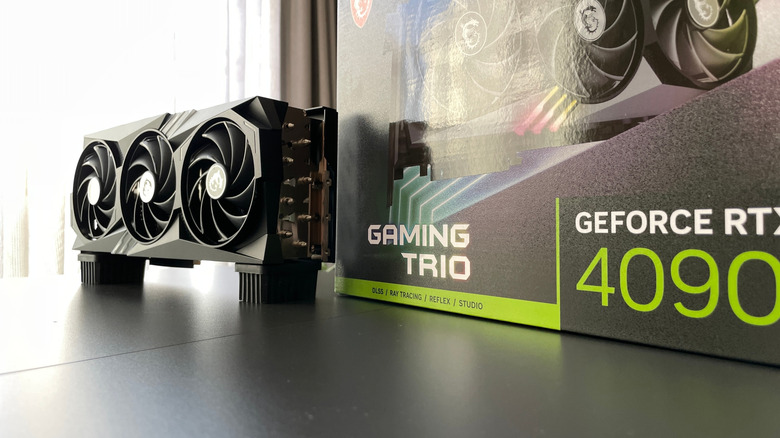
Have you noticed that GPUs from top brands like Nvidia or AMD can be just as expensive as laptops that claim to have that same video card? The reason is because, despite sharing the same name, the laptop GPU simply isn’t as capable as the standalone card of the same name. A laptop and desktop computer might both have Nvidia GeForce RTX 4090 cards, but the one in the laptop will pump out less graphical performance than its counterpart in the tower.
At first blush, that seems ridiculous. If both GPUs aren’t the same product, why would they have the same name? While there might be an element of salesmanship to those naming schemes, laptop and desktop GPUs are a bit more different than you might expect, depending on which aspect of them you focus on.
Whereas desktop GPUs focus on raw power, the size constraints imposed by a laptop’s form factor force function to take a backseat. That tradeoff is at the core of the difference between laptop and desktop GPUs. And while laptop graphics cards have been steadily shrinking the performance gap between themselves and their desk-bound counterparts, there’s still sizable differences between the two. It all boils down to power, thermals, and design.
Laptop GPUs are more power efficient
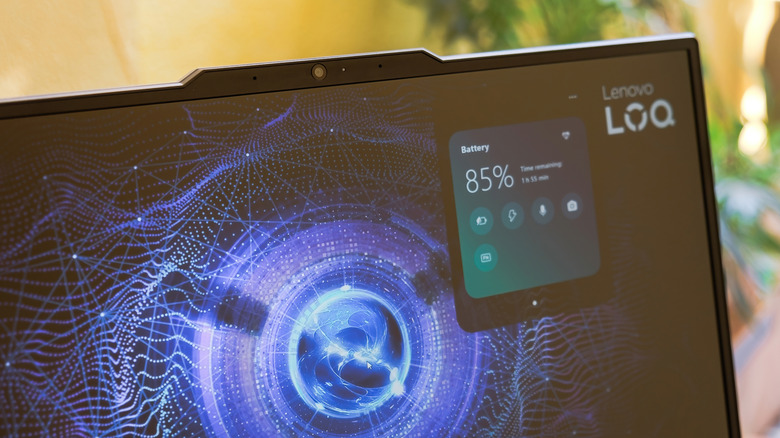
The primary difference between desktop GPUs and their laptop equivalents is power efficiency. In a desktop computer, there is space to put a large, dedicated power supply. That means the only limitations on how much juice a desktop GPU can slurp up is how much power your wall can supply and how much you’re willing to inflate your energy bill each month. By contrast, a laptop is defined by how efficiently it uses space. Portability is the point of these devices, so manufacturers are willing to sacrifice performance if it means you can fit a laptop into your backpack. Whereas top gaming PCs often draw 700 Watts or more of power, the most demanding laptops draw 400 Watts, and they’re outliers.
To illustrate this, let’s take a look at the difference between the desktop and laptop versions of the top-of-the-line Nvidia GeForce RTX 4090. The desktop version is rated for a TDP of 450W (thermal design power, the wattage at which it will perform its best), whereas the laptop version has a TDP of only 120W. That’s an absolutely massive differential, and it goes a long way in explaining why the former has a higher performance ceiling. But there’s one more large difference between the two. Despite both sharing the 4090 moniker, the laptop 4090 is in fact closer in design to a desktop 4080, with both running on the same AD103 silicon instead of the AD102 found in the desktop 4090. Of course, other GPU manufacturers like AMD are competitive in the market and are subject to similar differences, but we’re focusing on the Nvidia lineup to keep things simple.
Laptop GPUs are designed to conserve space
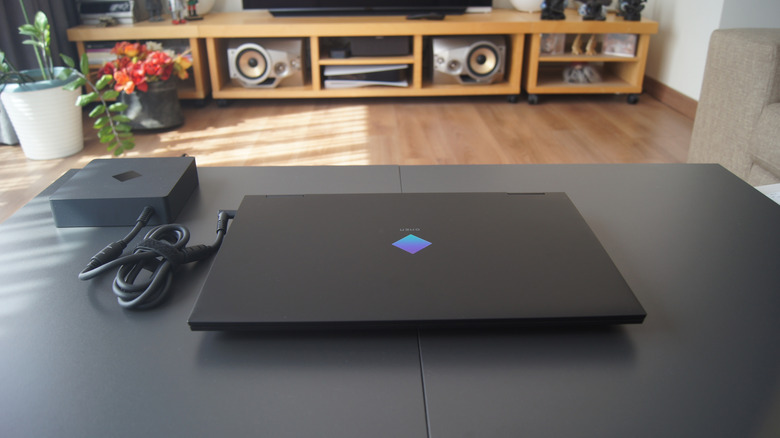
Another effect of the need to use space more efficiently within a laptop is that laptop GPUs are designed to be more compact than their desktop counterparts. The cooling systems play into the difference in size. Cooling solutions make up the bulk of a desktop GPU’s comparative chunkiness, as they tend to be ensconced in heat sinks and dedicated fans. This allows them to take better advantage of their power by quickly pulling heat away from the chip itself, which is actually not very large on its own.
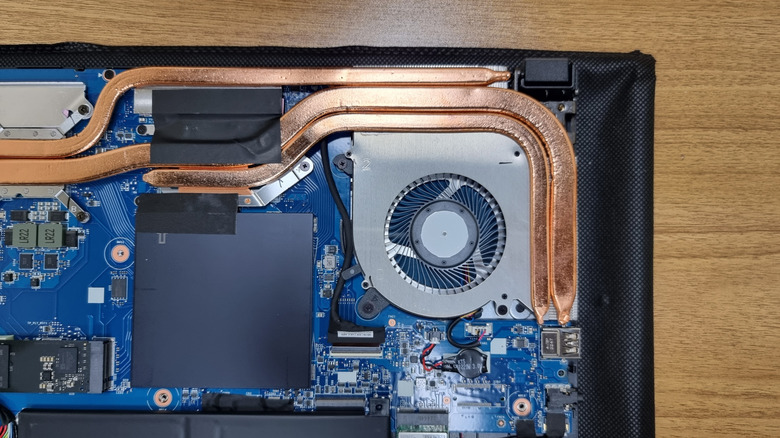
By contrast, although gaming laptop manufacturers often give extra attention to the GPU when designing a laptop’s cooling system, there just isn’t space for the dedicated array of fans built into desktop graphics cards, let alone fancier solutions like liquid cooling that can help eke out additional thermal performance. Laptops are usually cooled by smaller fans, heat sinks, vapor chambers, and other lighter solutions. Meanwhile, desktop GPUs can take advantage of larger solutions such as liquid cooling systems with thick tubes and beefy radiators with dedicated fans.
You could, of course, toss a desktop grade graphics card into a laptop, but you’d need to make the laptop enormous and lug around a massive power adapter, which defeats the whole purpose of a laptop. It could also contribute to a scenario where the laptop could catch on fire, since GPUs run extremely hot. In fact, thermals are the main constraint on laptop GPUs. Cooling also slurps up extra power, which, as we talked about earlier, is a large constraint on laptop GPUs. A desktop has power to spare for lots of fans and other powered cooling solutions, but a laptop doesn’t.
Laptop GPUs are getting more powerful
If you’ve read this far, you probably got the impression that laptop GPUs are fairly weak, but that’s not exactly true. Given the constraints on their design, it’s a minor miracle that there are so many laptops on the market today that can play AAA titles without having a meltdown. Not that long ago, gaming on a laptop was considered a bit of a joke. But today, high-end gaming laptops can run demanding titles like “Baldur’s Gate 3” or “Cyberpunk 2077” with minimal performance differences on all but the beefiest desktop computers.
The actual performance of any GPU depends greatly on how the computer it’s running inside of is configured. To that end, the specific game or software being run can also make a huge difference. However, if we imagine two theoretical computers running RTX 4090s, one laptop and one desktop, both of which are configured to eliminate GPU bottlenecking, we should expect to see better performance from the desktop when running the same games. In testing done by PC Mag, the laptop version of the 4090 routinely fell short of the desktop 4090 and even the desktop 4080.
So, although constraints on space, power, and cooling mean that we won’t see laptop graphics cards match the performance of desktop GPUs in the near future, you can still get a gaming laptop that packs quite a punch. Devices like the ASUS ROG Zephyrus G14 are comparable in size to a MacBook Pro, yet can chug through the latest games at up to 120 frames per second. A slightly less powerful GPU is a small tradeoff to make for that convenience.
Source: http://www.slashgear.com/1725196/whats-the-difference-laptop-desktop-gpu/
You may also like

