 techandtab
If you've spent any amount of time working with Microsoft Windows, you know it can become rife with...
What Do The Numbers And Letters Mean On Intel Processors?
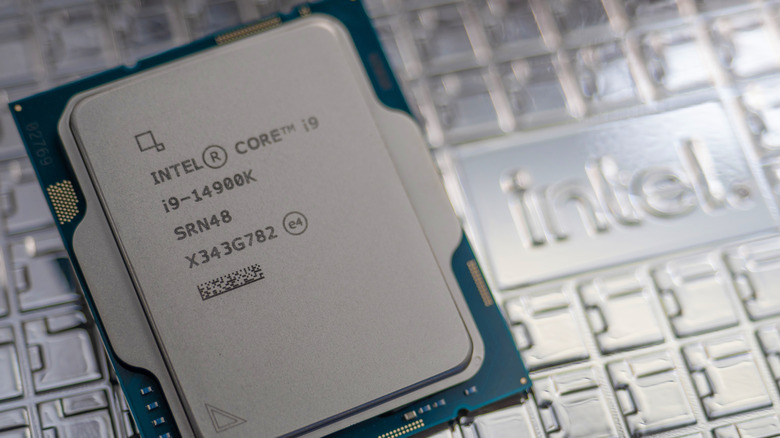
If you use a computer, then you’re already familiar with Intel, popularly known for its central processing units (CPUs) that power many of the very laptops or desktops you depend on daily. Intel was formed in 1968 and introduced its first product, the 3101 Schottky RAM, just a year later. From there, the tech giant has gone off to developing a wide range of electronic components — the 1101 static RAM also in 1969, the 1702 EPROM in 1971 (the first in the world), and the 8080 general-purpose microprocessor in 1974, just to name a few.
At present, Intel is the brains behind some of the most popular general-purpose and gaming CPUs in the market, and naturally, these modern chips are far more powerful than those from the company’s early years. But it isn’t just the chip performance that’s changed — Intel’s naming convention for its modern CPUs has also evolved. Now, its CPUs sport a seemingly random mix of numbers and letters like i7, 14900K, N305, and 150U.
To non-technical folks, they might appear as an unnecessary way of confusing people. However, these designations actually serve a purpose. In this guide, we’ll unpack the meaning behind the numbers and letters in Intel’s processors and help you make more sense of these names.
The Intel product names
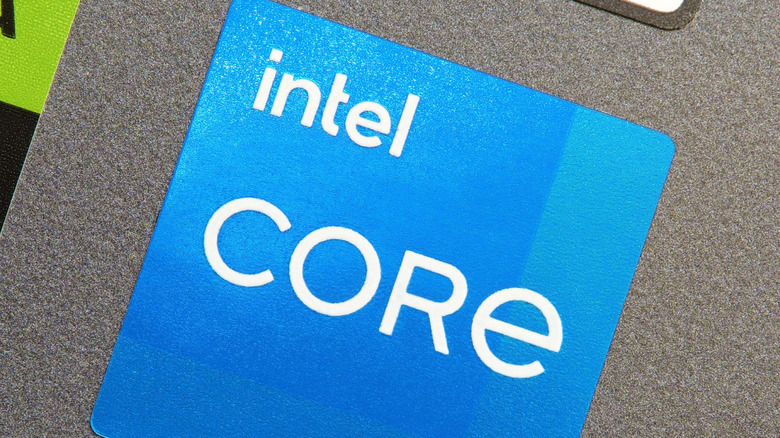
Current Intel CPUs typically follow a specific naming scheme structure: The product brand, followed by the performance tier and ending with the stock-keeping unit (SKU). The product brand name is the first one or two words in the processor name after “Intel.” It’s essentially the Intel product family the chip belongs to, often reflecting its performance and target market. Currently, Intel has several product brands: Core Ultra, Core (Series 1), Core (14th gen and below), Core (N-series), Processor, Pentium, and Celeron.
Core Ultra are high-end chips designed for AI tasks and power users. It uses Intel’s newest architecture and neural processing units, making it ideal for gaming, AI-based photo and video creation, and various productivity tasks. Core (Series 1), Core (14th gen and below), and Core (N-series) provide high performance and versatility across a wide range of applications, such as gaming, multitasking, and everyday use. Processor, Pentium, and Celeron are for budget and general-purpose computers. They provide a decent job at multitasking but may not be as smooth as the Core and Core Ultra chips.
The performance tier
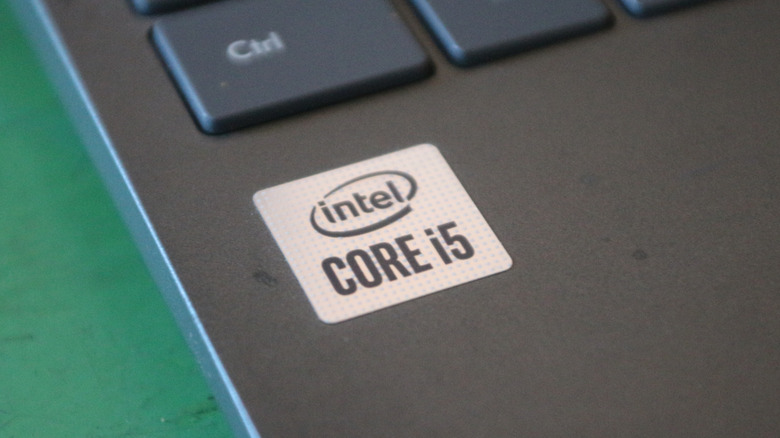
Next, let’s talk about the performance tier, which immediately follows the product’s brand name. This tells you the level of performance a specific chip delivers. Keep in mind, though, that each product brand has its own naming convention for the performance tiers — it could be a number, a number and letter combo, or a name.
- Core Ultra’s performance tier is represented by a number, which can either be a 3, 5, 7, or 9 (e.g., Core Ultra 5 Processor 245KF, Core Ultra 9 Processor 185H).
- Core (Series 1) shares the same performance tier naming as Core Ultra, which is simply a number. It, however, only uses 3, 5, and 7 (e.g., Core 7 processor 150UL, Core 3 processor 100U).
- Core (14th gen and below) and Core (N-series) use a number preceded by the small letter i. It includes i3, i5, i7, and i9 (e.g., Core i3-10105T Processor, Core i9 processor 14900HX, Core i3-N300 Processor).
Pentium’s performance tiers are names, and there are only two: Silver and Gold (e.g., Pentium Silver N6005 Processor, Pentium Gold G7400TE Processor). Not all Pentium chips, however, come with a Silver or Gold performance tier, such as Pentium Processor G4400 and Pentium Processor 2127U. Processor and Celeron chips don’t come with a performance tier in their names at all.
For the numbered models, the higher number represents a more powerful chip, so a Core i3 is less capable than a Core i9, a Core Ultra 7 is more high-performing than a Core Ultra 5, and so on. With Pentium, though, the performance tier is slightly different as it indicates whether the chip is optimized for performance (Gold) or cost (Silver).
The SKU for Core Ultra, Core (Series 1), and Core (14th gen and below)
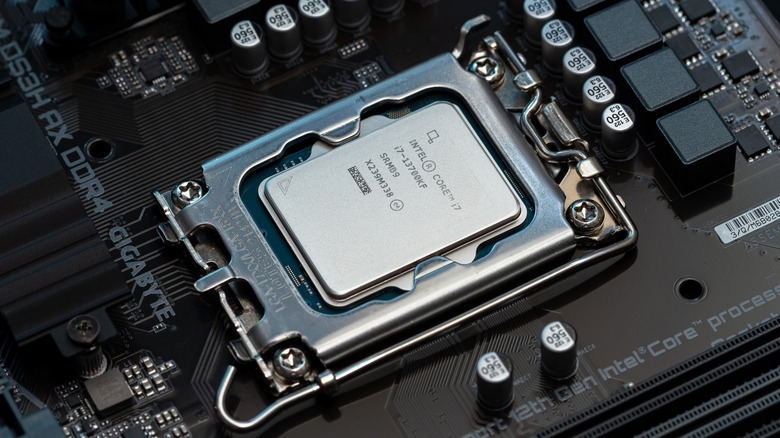
Right after the performance tier, you’ll find the alphanumeric SKU. It can include either a prefix letter, generation number/s, suffix letter, or a combination of any of these three. The Core Ultra, Core (Series 1), and Core (14th gen and below) are the only chips with generation number/s, which appear as the first one or two numbers in the SKU.
- Core Ultra currently has two generations, so you’ll only see 1 or 2 at the beginning of the SKU. For instance, Core Ultra 5 Processor 135H (1 in 135H means 1st gen) and Core Ultra 9 Processor 285K (2 in 285K means 2nd gen).
- Core (Series 1) has just one generation at the moment. For example, there’s a Core 7 processor 150U and a Core 5 processor 120HL (150U and 120HL as the SKUs).
- Core (14th gen and below) has 14 generations so far. This means you’ll see chips like Core i5-6500TE Processor (6 as in 6th gen), Core i7 processor 14700F (14 as in 14th gen), and Core i9-10900TE Processor (10 as in 10th gen).
The larger the generation number is, the more recent (and thus, more feature-rich) the chip is. For instance, a 14th gen processor is newer and has more enhancements than a 10th gen from the same product brand and performance tier.
Some of the Core Ultra, Core (Series 1), and Core (14th gen and below) chips also come with a suffix letter at the end, denoting features. An F suffix, for example, means it needs discrete graphics, and a UL suffix signifies that the chip is power efficient and comes in a Land Grid Array (LGA) package.
The SKU for Core (N-Series), Processor, Pentium, and Celeron
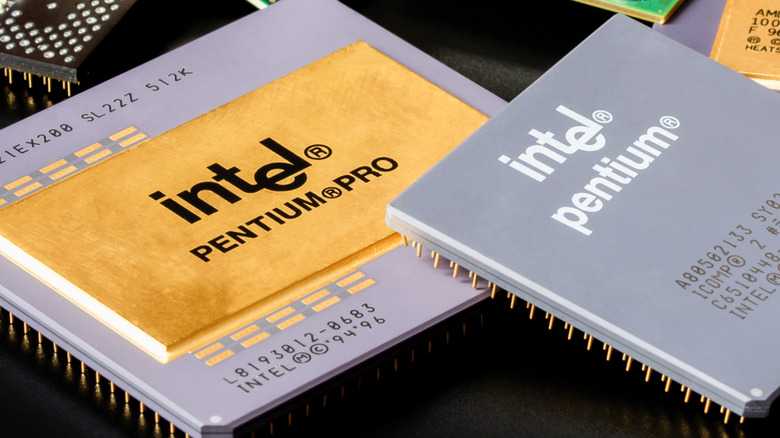
On the other hand, the Core (N-Series), Processor, Pentium, and Celeron don’t include a generation number in their processor names. However, most of them do have a prefix letter or one or two numbers at the beginning of the SKU that simply indicates which series the chip falls under.
- Core (N-series) is just that — these chips start with an N as in Core i3-N300 Processor and Core i3-N305 Processor.
- Processor currently has N and U series, so you’ll find chips like Processor N200 and Processor U302L.
- Pentium comes with a D, G, J, and N series, along with a 6800, 4000, 3000, 2000, and 1000 series. For instance, a Pentium Processor D1519 belongs to the D-series, Pentium Processor 1405 in the 1000 series, and Pentium Processor 6805 in the 6800 series.
- Celeron processors can either be from the G, J, N, 7000, 6000, 5000, 4000, 3000, 2000, or 1000 series. That means a Celeron Processor G5905T is a G-series, Celeron 6305 Processor is a 6000 series, and Celeron Processor 2957U is a 2000 series.
For Pentium and Celeron chips, you’ll also want to look at the rest of the numbers in the SKU. The larger this figure, the better performance it is. So a Celeron N5105 is superior to the N5100, just like how a Pentium Processor 3825U is a step up from the Pentium Processor 3561Y.
With all that being said, let’s recap with an example. For the Intel Core Ultra 7 Processor 288V, the Core Ultra is the product brand name, 7 is the performance tier, and 288V is the SKU, where 2 is the generation number (meaning, 2nd gen), and V is the suffix (which means Lunar Lake, usually found in newer computers like Lenovo’s 2024 laptop drop).
The benefits of knowing the meaning behind Intel processor names

So why would you want to go through all the hassle of understanding the naming scheme of Intel processors? There are actually a couple of benefits to doing so. For one, comparing two or more CPUs becomes a lot quicker and easier. Just one glance at the product brand, performance tier, or generation in the names, and you can get a quick sense of which one is more powerful — no more spending hours digging through the product spec sheet. With the processor name, you can tell which one is better suited for your needs and budget too.
If you’re a gamer who also makes 3D models on your PC, you’ll know right away that a Core i7 can better keep up with your tasks than a Core i3. If you’re not on a budget, you can easily avoid the Core Ultra 9 since a higher-performance chip usually comes with a more premium price tag. If you plan on overclocking your CPU, you’ll look for a chip with a K, X, or XE suffix, as this is the unlocked version that allows you to do so. If you’re building a computer, an F suffix in the CPU will tell you to buy discrete graphics, too, as the chip requires it. And if you’re after a power-efficient laptop, you’ll want a CPU with the U suffix in the name.
When you can decode the Intel processor name, you can identify by the generation number how old (in relation to the latest generation of the same product brand) a CPU already is. This is especially handy when buying a used computer, where the chips are often older than those of the brand’s current manufacturers. Thanks to the generation number, you can gauge if it’s still worth buying or if it’s too outdated for your tasks and software, like how a 7th-generation Core processor no longer supports Windows 11.
Source: http://www.slashgear.com/1726541/what-do-numbers-letters-mean-intel-processors/
You may also like

