 techandtab
Microsoft PowerToys is a set of tools that have been around since the days of Windows 95. They're made...
I Didn’t Expect This Dell Laptop To Beat My M3 MacBook—But It Surprised Me
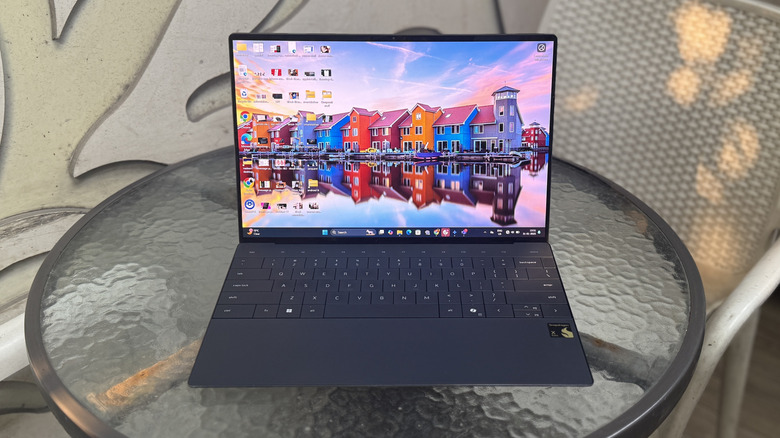
I first burned my hands with an Arm-based computing system with the Surface Pro X back in 2019. It was a fantastic piece of hardware, but at the same time, it was outrageously expensive. Subsequent app woes with emulation and compatibility soon ruined its appeal for me. A year later, the MacBook Air M1 attempted the shift to Arm, and nailed it.
Since then, I have used the M2 and M3 iterations as my personal workhorse and loved the sheer computing reliability they have to offer. I didn’t think a Windows machine would ever catch up with new-era MacBooks, and certainly not with the Windows on Arm platform.
I was wrong.
With the arrival of Qualcomm’s Snapdragon X series processors armed with Oryon cores, the ecosystem found itself at the cusp of another major shift. This time, it’s not merely a blind performance-driven race. The app compatibility situation has matured a lot, which means Windows on Arm won’t leave you hanging before you can even jump into your workflow.
The bigger surprise, however, was the quick adoption of these Qualcomm processors by nearly every player out there. No brand has quite managed to achieve the finesse and polish of a sleek and light Arm-based laptop as the Dell XPS 13. But this machine is not merely a looker. It offered enough substance that I never missed my trusty MacBook Air ever again. The Dell XPS 13 will also save you $100 against a comparable MacBook Air configuration, so there’s that perk already in your kitty.
Looks that put the Mac to shame
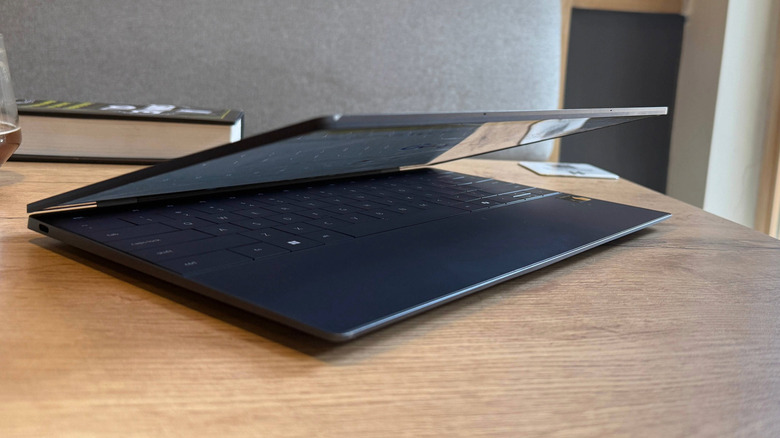
I live out of a suitcase for 8-10 months each year, living what one would call a permanent “workation,” divided across coffee shops with terrible Wi-Fi and hostels with darn uncomfortable work rooms. For me, a laptop that is thin and light is a prerequisite, and only after making sure of that convenience do I dig into the silicon and memory details. On that front, the Dell XPS 13 beats the MacBook Air handsomely.
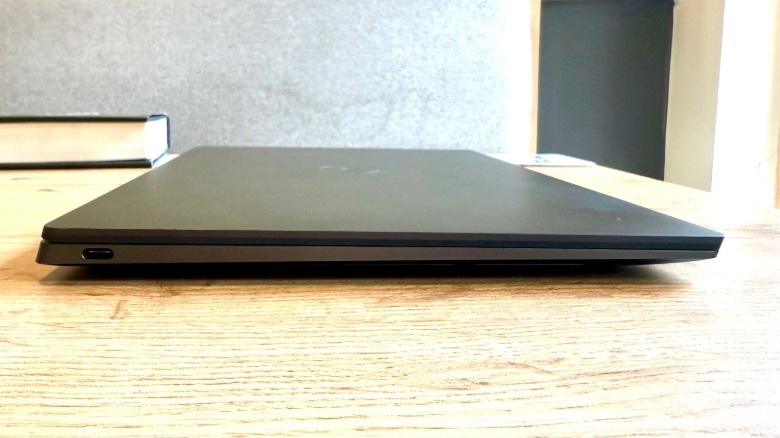
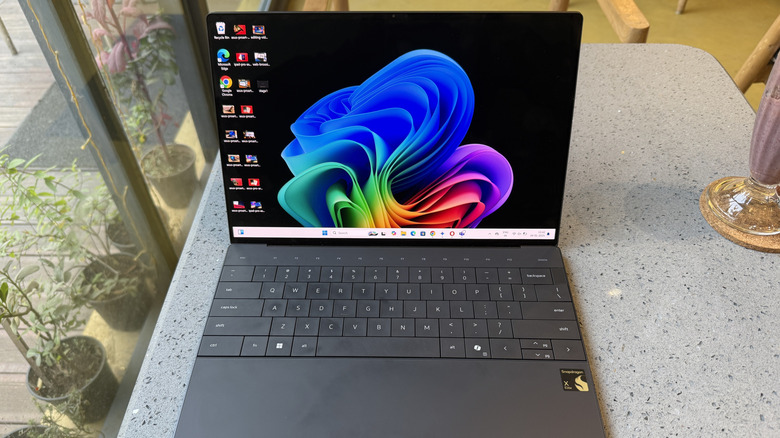
The Dell laptop has a smaller footprint than its Apple rival and also weighs less. Though the difference isn’t huge on either parameter, the Dell device feels more polished. The XPS 13 embraces a CNC-machined aluminum chassis that feels fantastic to touch and does an amazing job of keeping grime and smudges at bay.
It doesn’t fare any better than the MacBook Air by offering only a pair of USB-C ports, but the Dell laptop puts one on either side, which is definitely a saner decision. The seamless glass trackpad with haptic feedback is smooth and responsive, while the keyboard offers nice travel with clicky feedback.
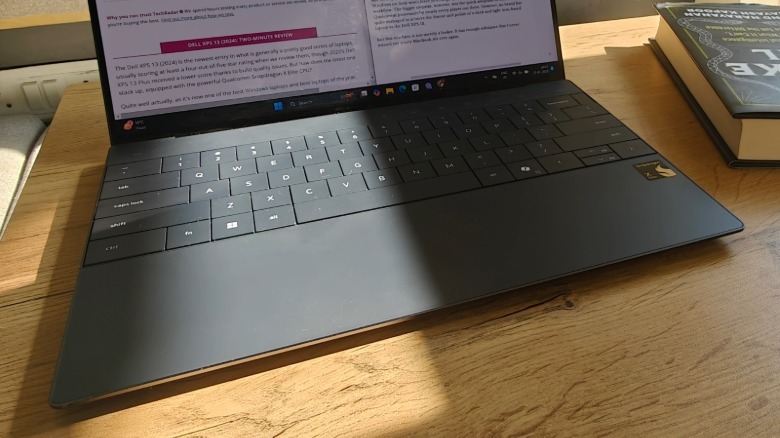
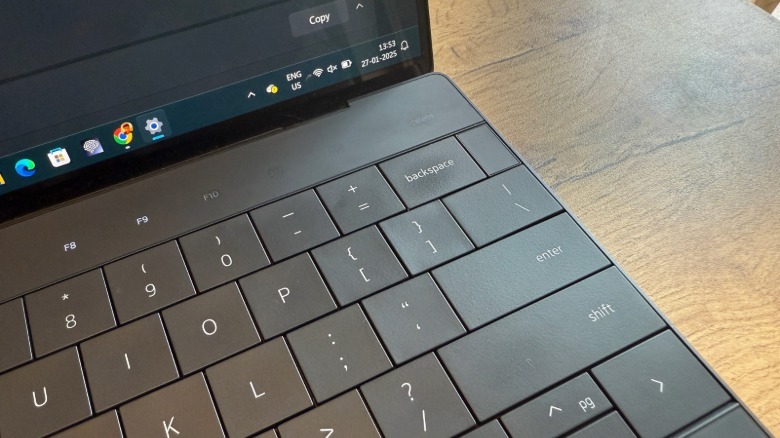
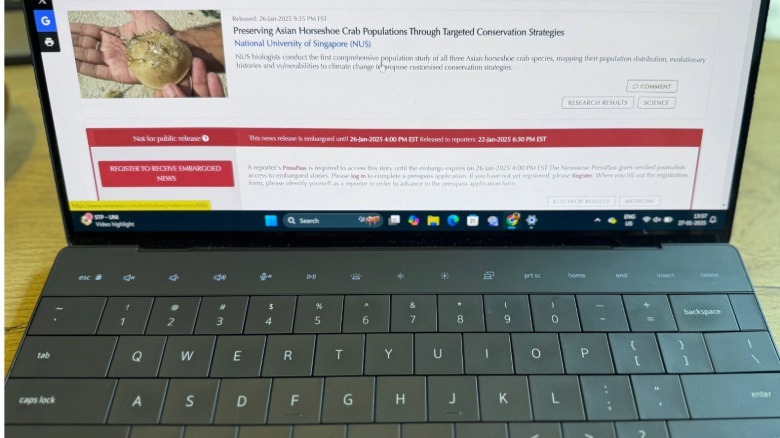
But it’s the clean aesthetics of the invisible trackpad and the flushed keyboard deck with a gapless design that really sets the XPS 13 apart. Plus, the capacitive function key row at the top gives it a futuristic look that you won’t find elsewhere. The MacBook Air isn’t bad, but it’s everywhere. I’ve never had people complimenting my laptop, except the XPS 13 Plus. It’s just that arresting to witness in person.
A battery workhorse that defies expectations
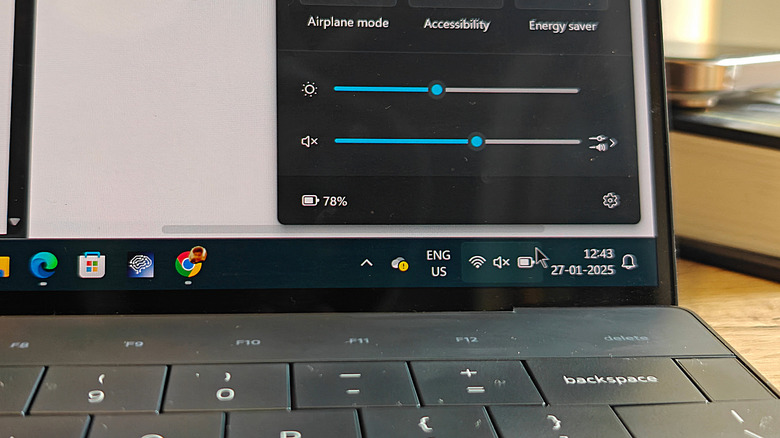
I am not a fan of macOS and would take the “homely” computing experience (read: versatility and gaming chops) of Windows laptops any given day over a Mac. That said, macOS isn’t terrible. It’s amazingly fluid, but it’s really the fantastic battery life of Apple laptops that puts them in a league of their own. Windows machines have been chasing that elusive battery efficiency but have thus far failed to achieve it. The Dell XPS 13 manages to pull that off, without making any tangible compromises.
I was regularly getting a full day of usage — which in my case, involved dipping into an extra time zone’s worth of work — from the Dell XPS 13. In the first few weeks, I carried a charger on me but never had to take it out. Soon, I ceased that bother and started carrying only the laptop to my preferred workspaces without any anxiety.
On my most recent work dash, the battery life had only dipped by 16% in a span of three hours. I had the brightness levels set close to 70 percent, had two Chrome windows running with over a dozen tabs on each one, Teams, Slack, and Spotify running in the background. Those are unbelievably good figures compared to the Windows and AMD-based ultrabooks I’ve tried over the past couple of years.
I have not even achieved that kind of figure on my M2 or M3 MacBook Air. To confirm the battery efficiency, I ran an endurance test entailing continuous video playback, and the Dell XPS 13 managed to outlast its Apple rival by roughly three hours.
Enough firepower that puts doubts to rest
Qualcomm has packed plenty of firepower on the Snapdragon X Elite silicon. If you’re well-versed with the underwhelming might of a traditional ultrabook, you’re in for a pleasant surprise with this one. My web and productivity-heavy workload often dips into the realm of photo and short-form video editing. So far, my tryst with DaVinci Resolve and Adobe suite has been smooth.
The multi-core performance of the Snapdragon X Elite silicon inside the Dell XPS 13 is better than the M3 MacBook Air. It was also roughly 30% faster at transcoding a 4K video in Handbrake. Interestingly, the SSDs fitted inside the sleek Dell laptop are also faster than the unit parked inside my Macbook Air. But synthetic benchmarks only tell half the picture.
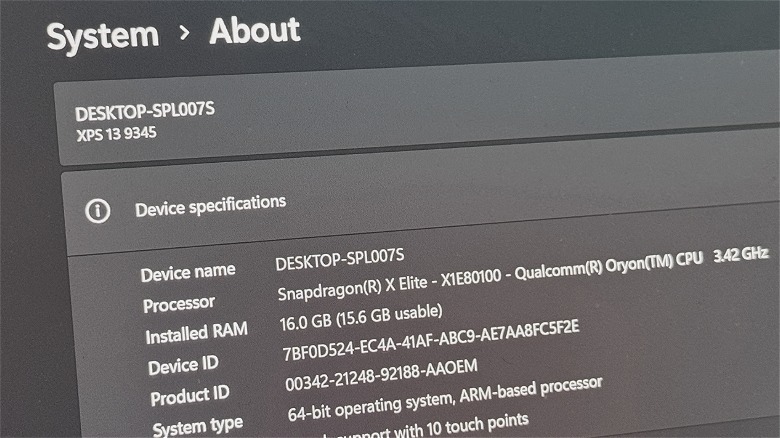
Where the Dell XPS 13 truly inched past the MacBook Air was the fantastic heat management and thermal throttling burden. The M3 MacBook heats up frequently on the underside, and under my usual workload, I often run into a non-response screen with the infamous spinning wheel hurting my brain cells. The Dell XPS 13 not only ran cooler, but also didn’t impede my workflow with random stutters and non-responsive app windows.
That kind of fluidity and trust is what matters to me the most, and on that front, the Dell XPS 13 comfortably emerged as the more rewarding choice. The only app that brought the Dell machine to its knees was Chrome, unsurprisingly, but it gave fewer troubles to the Dell laptop than the MacBook Air.
A solid value argument
Unlike Apple’s approach for the MacBook Air, Dell doesn’t serve a watered-down silicon if you go for the lower-end model. On the XPS 13, you get the X1E-80-100 version of the Snapdragon X Elite, which goes up to 3.8GHz boost frequency and delivers 3.8 TFLOPs of graphics performance. Regardless of which memory or display configuration you pick, the processor remains constant. For an asking price of $1,200, you get 16GB of RAM and 512GB storage, without any nerfed silicon on the entry-level models. With Apple, you spend $1,300 to get the matching memory configuration. You go any lower, and Apple downgrades you to the M3 version with an 8-core GPU, instead of the 10-core GPU trim.
Then there’s the all-too-important question about your preferred work ecosystem. The ecosystem of Arm-native apps has grown, and for apps you can’t find a native build, the emulation layer won’t leave you shedding tears. Things are working for Windows on Arm, and the likes of Adobe are making solid progress to cover whatever ground still remains uncovered.
MacBooks, on the other hand, offer the comfort of a tightly integrated cross-platform ecosystem that is hard to escape. As far as gaming goes, neither the MacBook Air, nor the Dell XPS 13 are quite ready for it yet, despite what the ecosystem players have to say. But if I were to make a safer pick, one that would open the doors for at least casual games or older titles, Windows is where I’d park my trust wagon.
Source: http://www.slashgear.com/1776905/qualcomm-dell-laptop-beat-apple-macbook-m3-comparison-test/
You may also like

