 techandtab
We may receive a commission on purchases made from links. USB ports on your PC or laptop are...
What Are CPU Cores, And How Many Do You Need?
We may receive a commission on purchases made from links.
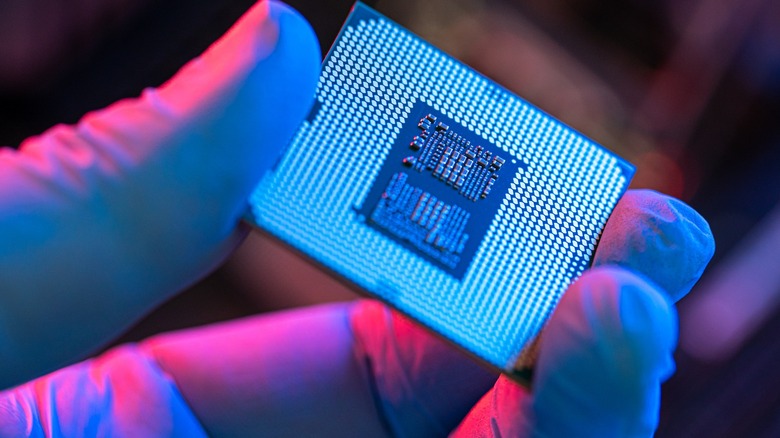
Building your first computer is a memory worth cherishing for years, and the amount of research that goes into picking the right parts is what makes the experience that much more personal. At the center of this decision lies the Central Processing Unit, or the CPU for short — think of it as the brain of the computer, responsible for carrying out tasks, like launching apps, performing calculations, and controlling I/O devices. The CPU is seated in the motherboard and fits right alongside the graphics card, RAM, storage, and other components to form a complete system.
Factors like performance, compatibility, and power consumption are things to watch out for when buying a processor, and important specifications like the clock speed and lithography are often solid indicators of how well a CPU is going to fare. While the speed in GHz refers to how fast a processor can compute data, it is the core count that defines how many tasks a CPU can handle simultaneously. Depending on the generation of the processor, a higher clock speed doesn’t necessarily mean a more powerful CPU, either.
This is why CPU cores are one of the key features of a processor that can alter your purchase decision. But what exactly is a core, and does a higher count equate to better performance? As a metric that’s so prominently advertised, here are all the essentials you need to know about CPU cores, and how many of them are ideal for different kinds of workloads.
Cores vs CPU: How are they different?
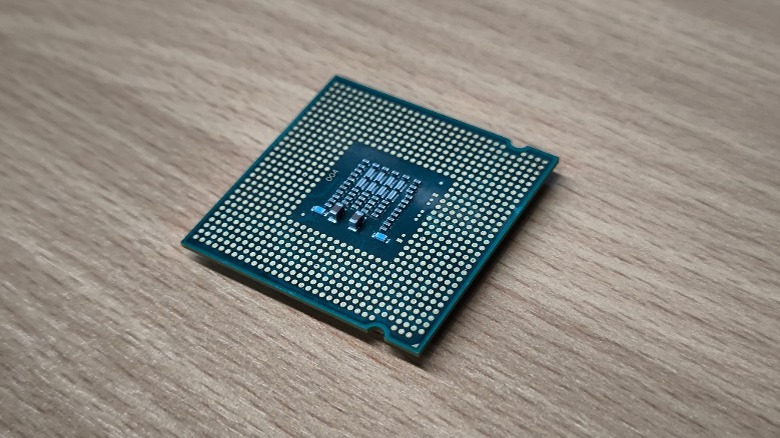
The first step in understanding a computing core is differentiating it from a CPU. The CPU is a component that oversees individual cores — like a manager in a team. A processor can have single or multiple cores, and like employees, each one is assigned a unique task. The more employees you have, the higher the team’s overall productivity — thanks to its ability to handle several tasks at once.
Traditionally, computers relied on processors with a single CPU core, designed to churn out one task at a time. With advancements in microprocessor technology, we adopted dual-core architectures onto a single chip. Several CPUs also feature simultaneous multithreading, which is the process of splitting each physical core into virtual threads — this count is typically twice the number of cores available in a processor. This increases system efficiency and can boost performance for applications that can take advantage of multithreading.
To summarize, a CPU contains smaller units called cores, each of which works independently. A core itself houses a few key components like the Control Unit (CU), Arithmetic Logic Unit (ALU), and memory. The CU handles the flow of data, while the ALU is responsible for mathematical and logical operations. Registers typically store temporary data, like the results of calculations performed by the ALU, while the Cache Memory holds information that the core frequently needs to access.
How many cores do you need?
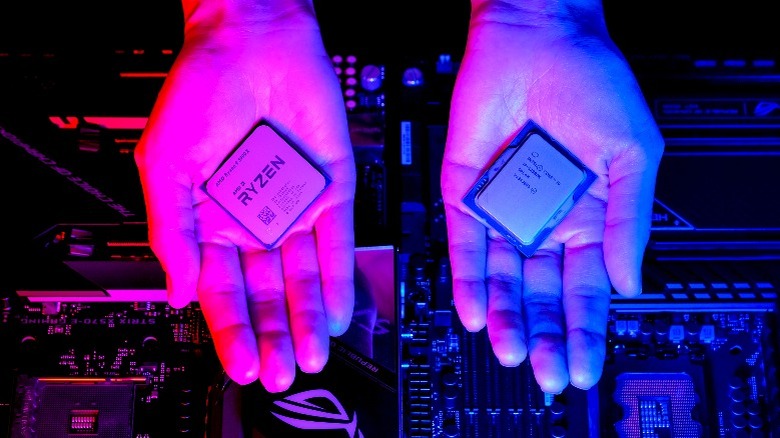
Nearly every current-gen CPU you can find on the market has two cores at the very least, like the Intel Pentium Gold G-6400. These budget-oriented processors are designed to handle everyday internet surfing, document editing, and media playback. A CPU with four cores is the minimum you should aim for if gaming or heightened productivity falls into your requirements.
Some of the best gaming CPUs regularly feature up to eight cores, making them ideal for high-end gaming and content creation. For instance, the Ryzen 5 8600G contains six cores and 12 threads. Hexa-core CPUs are also a popular middle ground that can handle a variety of tasks, including demanding games and 4K video editing. While AMD has garnered a name for itself in this competitive space, some of the best Intel CPUs, like the Core i9-14900K, also feature up to 24 cores and can accommodate performance-focused builds just as well.
CPUs also tend to have quite confusing model names, like the use of letters in AMD processors, for example. Understanding the way these processors are tiered and how desktop and laptop CPUs are different, is essential. It is also worth noting that an octa-core CPU from a decade ago isn’t necessarily going to be better than a quad-core processor released today — if anything, it’s likely to get obliterated in synthetic benchmarks and real-world use. This is why the other characteristics of a processor, in addition to core count, are just as important to consider.
How to check your CPU core count
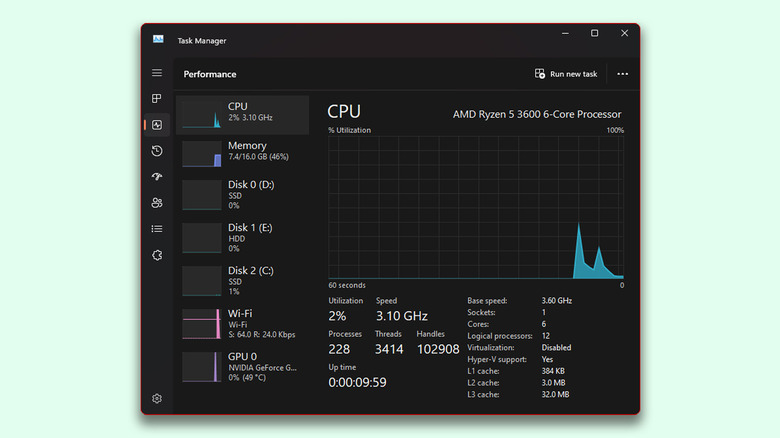
If you’re looking to upgrade your CPU, it may be insightful to check out how many cores your current rig has.
- Access the Start menu and search for the Settings app.
- Navigate to the System tab from the menu on the left.
- Scroll all the way down, and click on the About section.
Here, you can catch a glimpse of your computer’s specifications, including which CPU you have and how many cores it features. You will also find out its clock speed and the total amount of RAM in your computer. You can view a more detailed overview of your PC’s components through the Task Manager by following these steps:
- Launch the Task Manager app on your PC. You can either search for it using the Start menu or press the keyboard shortcut Ctrl + Shift + Esc.
- Navigate to the Performance section. You can expand the menu to reveal the section names if you aren’t familiar with the icons.
- The CPU tab will once again display your core and thread count, alongside the clock speed.
The Task Manager is of great help when monitoring things like RAM and GPU utilization, and comes in handy if you’ve been trying to figure out why your CPU usage is so high. You can find and suspend applications that are causing this behavior, or get rid of them altogether if you deem them to be malicious.
Source: http://www.slashgear.com/1720609/cpu-cores-explained-how-many-you-need/
You may also like

